
Open Reports
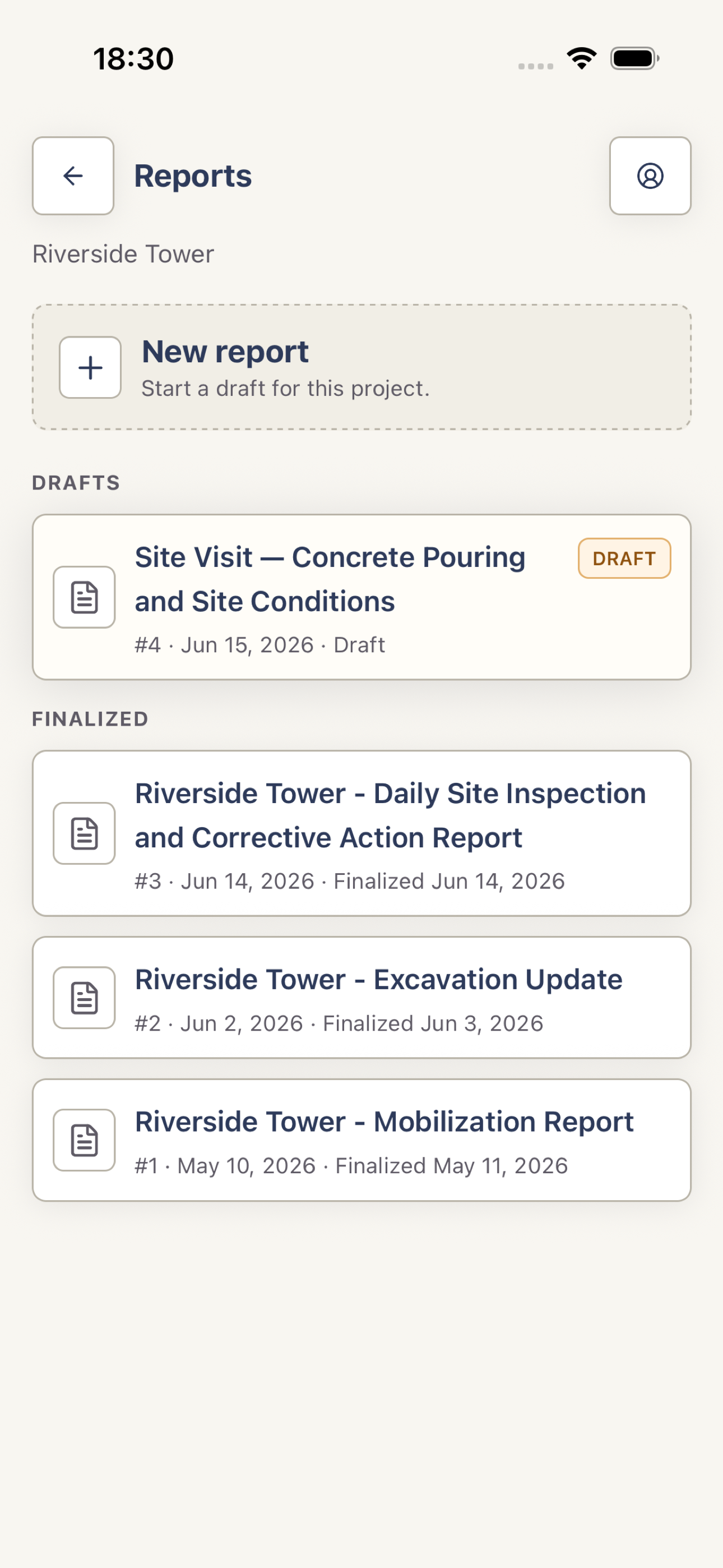
Open a project and tap Reports. Pull down to refresh if a teammate has just created or changed a report.
 View full screenshot
 Check the report state
Drafts can accept notes, generation, and edits. Finalized reports are read-only records ready for PDF preview or sharing. Project members can also discuss a finalized report in its Review tab.
Reopen the report
Tap a draft to continue working, or tap a finalized row to review the saved report. Report Actions contains the options available for that state and your project role.